
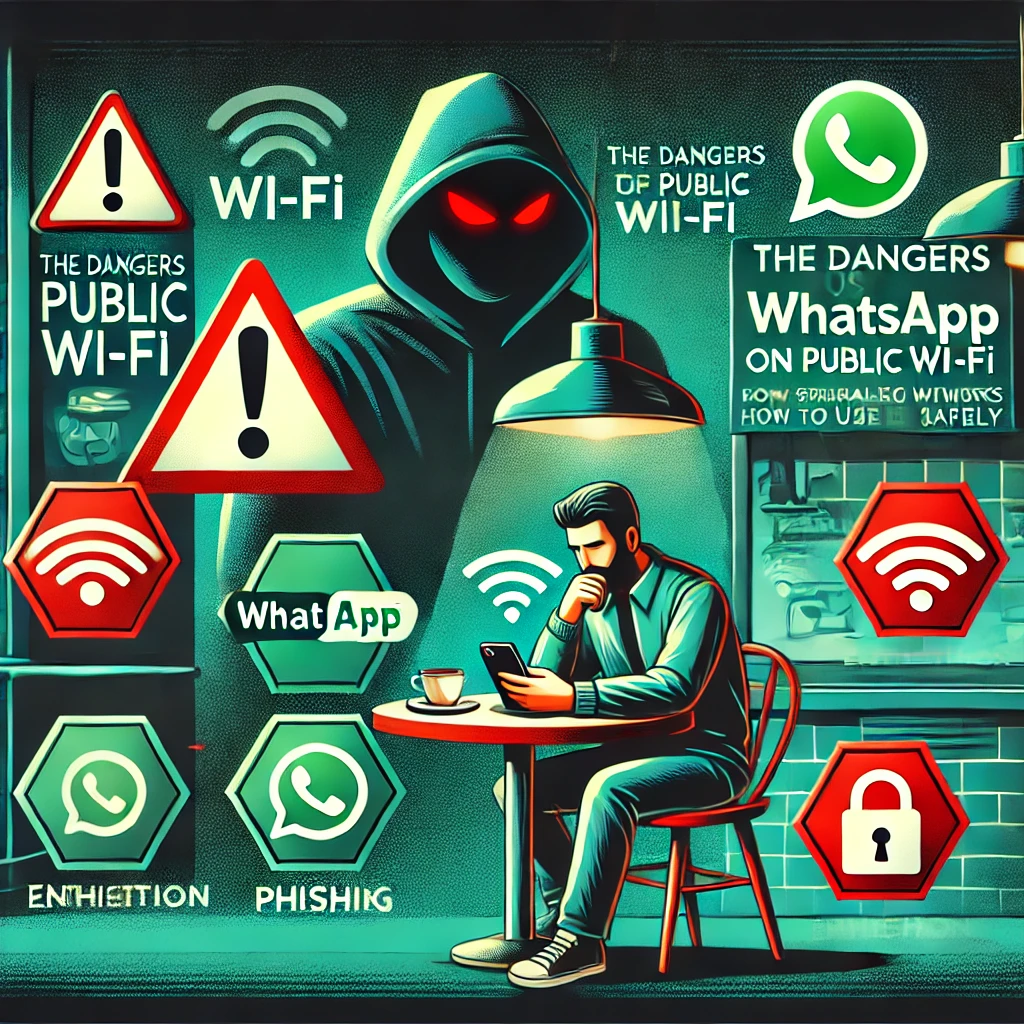
How to Use WhatsApp Safely on Shared Networks
In today’s digital age, staying connected is more important than ever. Many people rely on public Wi-Fi in cafes, airports, hotels, and shopping malls to chat, browse, and even work. While it may seem convenient, using public Wi-Fi can be risky, especially when accessing private apps like WhatsApp. Hackers often exploit public networks to steal personal information, which can lead to serious privacy breaches.
In this article, we will explain the dangers of using WhatsApp on public Wi-Fi and provide easy-to-follow steps to stay safe, even if you are not a technical expert.
Why Is Public Wi-Fi Dangerous?
Public Wi-Fi networks are often unsecured, meaning they do not require a password or any encryption to protect your data. This makes it easy for hackers to intercept the information you send and receive, including your WhatsApp messages, login details, and personal conversations. Here are some of the biggest risks:
1. Man-in-the-Middle (MITM) Attacks
A Man-in-the-Middle attack happens when a hacker positions themselves between you and the Wi-Fi network. They can then intercept your data, including WhatsApp messages, pictures, and even verification codes.
2. Fake Wi-Fi Networks (Evil Twin Attacks)
Hackers sometimes create fake Wi-Fi networks with names similar to real ones. For example, you might see two networks named “Free Coffee Wi-Fi” at a café. If you connect to the fake one, the hacker can steal everything you do online, including WhatsApp chats.
3. Data Snooping & Eavesdropping
Even if a public Wi-Fi network is legitimate, hackers can still monitor your online activity. They use special software to capture unencrypted data, which might include WhatsApp messages and personal information.
4. Malware and Virus Infections
Public Wi-Fi networks can also be used to distribute malware (malicious software). If your device gets infected, hackers can access your WhatsApp account, contacts, and even your stored passwords.
How to Use WhatsApp Safely on Public Wi-Fi
Now that you understand the risks, let’s go over some simple steps to protect your WhatsApp account while using public Wi-Fi. You don’t need to be a tech expert to follow these steps!
1. Use Mobile Data Instead of Public Wi-Fi
The safest way to use WhatsApp in public places is to avoid public Wi-Fi altogether. Instead, use your mobile data (4G or 5G). Mobile networks are much more secure and harder for hackers to intercept.
2. Use a VPN (Virtual Private Network)
A VPN (Virtual Private Network) encrypts your internet connection, making it almost impossible for hackers to intercept your data. Even if you are using public Wi-Fi, a VPN keeps your messages, pictures, and calls secure.
How to Use a VPN:
- Download a trusted VPN app like NordVPN, ExpressVPN, or ProtonVPN.
- Install the app on your phone.
- Open the VPN app and turn it on before connecting to public Wi-Fi.
- Use WhatsApp safely with encrypted protection.
3. Enable Two-Step Verification on WhatsApp
Two-step verification is an extra layer of security that requires a PIN code whenever you log into WhatsApp on a new device. This protects your account from being hijacked.
How to Enable It:
- Open WhatsApp and go to Settings.
- Tap Account > Two-Step Verification.
- Tap Enable and set a 6-digit PIN.
- Enter your email for recovery (optional but recommended).
4. Avoid Accessing Sensitive Information
When using public Wi-Fi, avoid sending or sharing sensitive data like:
- Personal messages with private information.
- Passwords, bank details, or verification codes.
- Private photos or videos.
If it’s urgent, use mobile data or a VPN instead.
5. Log Out from WhatsApp Web After Use
Many people use WhatsApp Web on public computers in cafes or hotels. However, if you forget to log out, someone else could access your messages.
How to Log Out of WhatsApp Web:
- Open WhatsApp on your phone.
- Tap Settings > Linked Devices.
- Look for any unfamiliar devices and log out immediately.
6. Turn Off Auto-Connect to Wi-Fi
Many smartphones automatically connect to available Wi-Fi networks without asking. This can be risky because you may unknowingly connect to a fake or compromised network.
How to Disable Auto-Connect:
- For Android: Go to Wi-Fi Settings > Advanced and disable Auto-connect to Wi-Fi.
- For iPhone: Go to Settings > Wi-Fi > Turn off Auto-Join Hotspots.
7. Use Secure Wi-Fi Networks with Passwords
If you must use public Wi-Fi, choose networks that require a password. Encrypted networks (like those in hotels) are safer than open Wi-Fi. However, still use a VPN for additional protection.
8. Monitor Your WhatsApp for Suspicious Activity
If you suspect that someone has accessed your WhatsApp, take action immediately.
Signs of Unauthorized Access:
- Messages sent that you don’t remember sending.
- Your account logs out unexpectedly.
- Unknown devices appear in WhatsApp Web.
What to Do:
- Change Your WhatsApp PIN immediately.
- Check for Unknown Devices in Linked Devices.
- Enable Two-Step Verification if not already done.
Final Thoughts: Stay Safe While Using WhatsApp
Public Wi-Fi is convenient, but it comes with risks. Hackers use various tricks to steal personal data, and WhatsApp is not immune to these threats. However, by following simple steps like using a VPN, enabling two-step verification, and avoiding sensitive transactions, you can enjoy safe and secure messaging even on public networks.
Quick Safety Checklist:
✅ Use mobile data instead of public Wi-Fi when possible.
✅ Always connect to secured Wi-Fi with a password.
✅ Turn on VPN before using WhatsApp.
✅ Enable Two-Step Verification for extra security.
✅ Avoid sharing personal data on public networks.
✅ Log out from WhatsApp Web after use.
✅ Regularly check for suspicious activity on your account.
By following these simple yet effective tips, you can protect your WhatsApp account and keep your personal information safe. Stay aware, stay secure, and enjoy worry-free messaging!