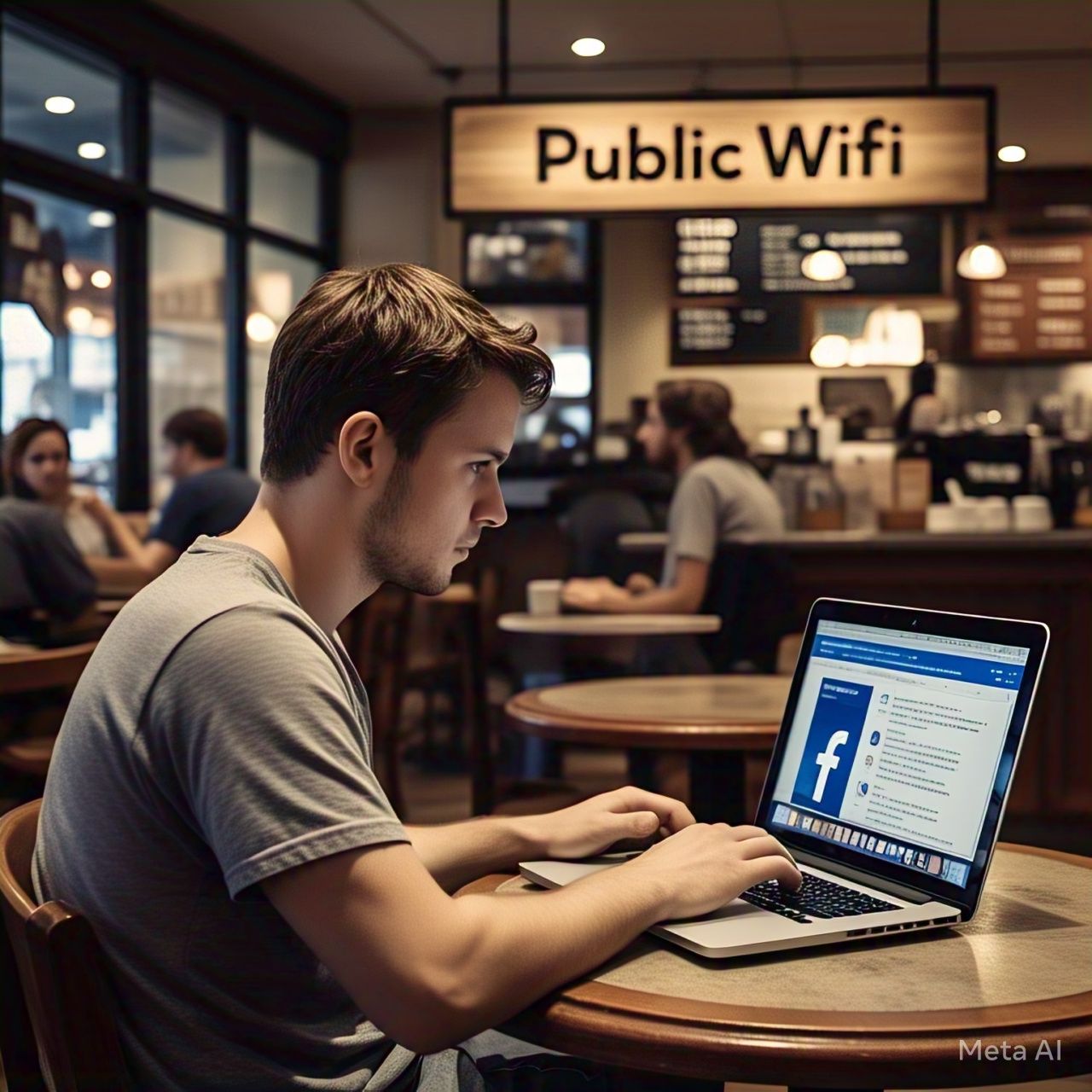
In today’s digital age, staying connected to the internet is more important than ever. Whether you’re checking your social media, reading the latest news, or getting work done, public Wi-Fi has made it easier to stay online when you’re on the go. Coffee shops, airports, hotels, and other public places offer free Wi-Fi, which can be incredibly convenient. However, while it may seem like a helpful service, using public Wi-Fi for logging into sensitive accounts, like Facebook, can put your privacy and security at serious risk.
This post will explain why you should avoid logging into Facebook and other sensitive accounts on public Wi-Fi networks and how you can protect yourself when using these networks.
What Is Public Wi-Fi?
Public Wi-Fi is a wireless network that allows anyone within range to connect to the internet, usually for free or at a low cost. It’s commonly available in places like cafes, airports, libraries, hotels, shopping malls, and public transportation hubs. Public Wi-Fi is convenient because it allows you to access the internet without using your mobile data or having to pay for internet access. However, it’s important to understand that this convenience comes with several security risks, especially when it comes to logging into accounts that store your personal information.
The Risks of Using Public Wi-Fi for Facebook Login
- Unencrypted Networks Are Easy Targets for Hackers
One of the biggest risks associated with using public Wi-Fi is that these networks are often not encrypted. Encryption is the process of encoding your data to keep it secure while it’s being transmitted over the internet. Without encryption, hackers can easily intercept and view the data being sent between your device and the Wi-Fi router. This means that any sensitive information you share, such as your Facebook login credentials, can be stolen.
When you log into Facebook on an unencrypted public Wi-Fi network, your username and password can be captured by cybercriminals through a method known as a “Man-in-the-Middle” (MitM) attack. In this type of attack, hackers intercept the communication between your device and Facebook’s servers. If the connection is not encrypted, they can read your login details and gain access to your Facebook account.
- Hackers Can Create Fake Public Wi-Fi Networks
Another tactic hackers use is creating rogue Wi-Fi hotspots that appear to be legitimate public networks. These fake networks may have names that resemble those of the public Wi-Fi networks you expect to see, like “Airport Free Wi-Fi” or “CoffeeShop_Wi-Fi.” Once you connect to these rogue networks, hackers can monitor all of your online activity, including the websites you visit and the information you send or receive.
When you log into Facebook on a fake Wi-Fi network, hackers can easily capture your login credentials and use them to access your account. These fake networks are designed to look like legitimate ones, and you may not even realize you’re connecting to a fraudulent network until it’s too late.
- Data Interception and Exposure
Even if you connect to a legitimate public Wi-Fi network, your data is still vulnerable to interception. Since public Wi-Fi networks are typically open, they don’t require passwords or any form of identification to access. This means that anyone within range of the network can potentially monitor your data. Cybercriminals with the right tools can easily intercept unencrypted traffic on these open networks and capture your sensitive data, such as Facebook login credentials, personal messages, and other private information.
In addition to intercepting your login details, hackers can also expose other data you may not think about, such as photos, videos, and even bank details if you’re shopping online. Public Wi-Fi is an ideal hunting ground for criminals who are looking for personal data they can steal and exploit.
- Increased Risk of Phishing Scams
Public Wi-Fi networks can also increase your risk of phishing attacks. Phishing is when a hacker impersonates a trusted service or company to trick you into giving up sensitive information, such as your Facebook login credentials. When you’re connected to public Wi-Fi, hackers can send you fake login prompts or fake Facebook pages that look exactly like the real ones. These pages may ask you to enter your Facebook login information, and once you do, the hacker will have access to your account.
Additionally, phishing scams may appear in the form of suspicious emails or messages sent to your device, tricking you into clicking on links that lead to fake login pages. Since public Wi-Fi networks are more prone to security risks, it’s much easier for hackers to launch these types of scams without you realizing it.
- No Privacy Protection
Public Wi-Fi networks generally do not provide the level of privacy protection you need when accessing personal accounts like Facebook. Since multiple people are using the same network at the same time, your online activities are exposed to anyone else connected to the same network, especially if the network is not secured. If you’re not careful, someone on the same public Wi-Fi network can monitor your browsing habits and even capture your personal login credentials.
How to Protect Yourself on Public Wi-Fi
While using public Wi-Fi for Facebook login may come with significant risks, there are ways to minimize those risks and protect your personal information.
- Use a Virtual Private Network (VPN)
A VPN creates a secure and encrypted connection between your device and the internet. When you use a VPN, all of your online activities are routed through a private server, which prevents hackers from intercepting your data on public Wi-Fi networks. A VPN essentially acts as a secure tunnel that protects your sensitive information from prying eyes.
By using a VPN, you can significantly reduce the risk of hackers capturing your Facebook login credentials or other sensitive data while on public Wi-Fi. There are many VPN services available, both free and paid, that can help protect your online privacy.
- Enable Two-Factor Authentication (2FA)
Two-factor authentication (2FA) adds an extra layer of security to your Facebook account. With 2FA enabled, even if someone manages to steal your password, they won’t be able to access your account without a second form of verification, such as a code sent to your phone.
By enabling 2FA on your Facebook account, you can reduce the risk of someone gaining unauthorized access to your profile, even if you’re using public Wi-Fi. To enable 2FA, go to the Security and Login section of your Facebook settings and follow the prompts to set it up.
- Avoid Logging Into Sensitive Accounts on Public Wi-Fi
The best way to avoid the risks associated with logging into Facebook on public Wi-Fi is simply to avoid doing it. If you absolutely need to access your Facebook account while on a public network, try to use mobile data instead of public Wi-Fi. Mobile data connections are generally more secure and less susceptible to hacking than public Wi-Fi.
If you must use public Wi-Fi, avoid logging into any sensitive accounts or making financial transactions until you’re on a more secure network.
- Use HTTPS Connections
When browsing the web, make sure you’re using secure HTTPS connections rather than unencrypted HTTP sites. HTTPS encrypts the data exchanged between your device and the website, making it much harder for hackers to intercept your login credentials or personal information. Always check that the website URL begins with “https://” before entering your Facebook login credentials.
- Log Out of Facebook After Use
If you do decide to access Facebook on public Wi-Fi, make sure to log out of your account when you’re done. This will help prevent anyone from accessing your account if you leave your device unattended.
Conclusion
Public Wi-Fi may be convenient, but it comes with significant risks, especially when it comes to logging into your Facebook account. Hackers and cybercriminals can easily exploit unsecured networks to intercept your personal information, including your login credentials. To protect your privacy and security, it’s essential to avoid logging into Facebook on public Wi-Fi whenever possible. If you must use public Wi-Fi, take precautions such as using a VPN, enabling two-factor authentication, and ensuring that your connection is secure with HTTPS. By being aware of the risks and taking the necessary steps to protect yourself, you can continue to use public Wi-Fi safely and securely.